
Percentage Increase Calculator Formula
The percentage increase formula is short — subtract the old value from the new, divide by the old, multiply by 100 — but it trips people up when values fall, when a percentage is applied twice, or when the question is really about percentage points. This page explains the formula with worked examples and describes a pack of Excel formulas and printable practice sheets.
- Instant download
- Editable Excel & Word
- Print-ready PDF
- 7-day refund
5 files · XLSX, PDF, DOCX
Percentage Increase Pack
Excel percentage workbook (increase, decrease, reverse, CAGR), a price increase tracker, a formula cheat sheet and printable worksheets with answer keys.
- Percentage change (XLSX)
- Reverse % and CAGR (XLSX)
- Price tracker (XLSX)
- + 2 more
$5.00 USD, one-time 5 files · about $1.00 each
- Instant download
- 7-day refund
- Secure checkout by Stripe
7-day money-back guarantee. Full refund within 7 days of purchase, even after you download.
Free sample: Percentage Change Calculator (PDF, 65 KB)
Percentage Increase Pack
Excel percentage workbook (increase, decrease, reverse, CAGR), a price increase tracker, a formula cheat sheet and printable worksheets with answer keys.
- Percentage change (XLSX)
- Reverse % and CAGR (XLSX)
- Price tracker (XLSX)
- Cheat sheet (PDF)
- Worksheets (PDF/DOCX)
Formats: XLSX, PDF, DOCX. Instant download after payment (link valid 72 hours, up to 5 downloads). AI-assisted: the templates were drafted with AI help and reviewed and laid out before publishing.
$5.00 USD, one-time 5 files · about $1.00 each
- Instant download
- 7-day refund
- Secure checkout by Stripe
7-day money-back guarantee. Full refund within 7 days of purchase, even after you download.
Free sample: Percentage Change Calculator (PDF, 65 KB)
Full refund within 7 days — see the refund policy and license.
Free printables
Single sheets you can print right now, no sign-up. The full pack adds every sheet in one download plus the editable files.
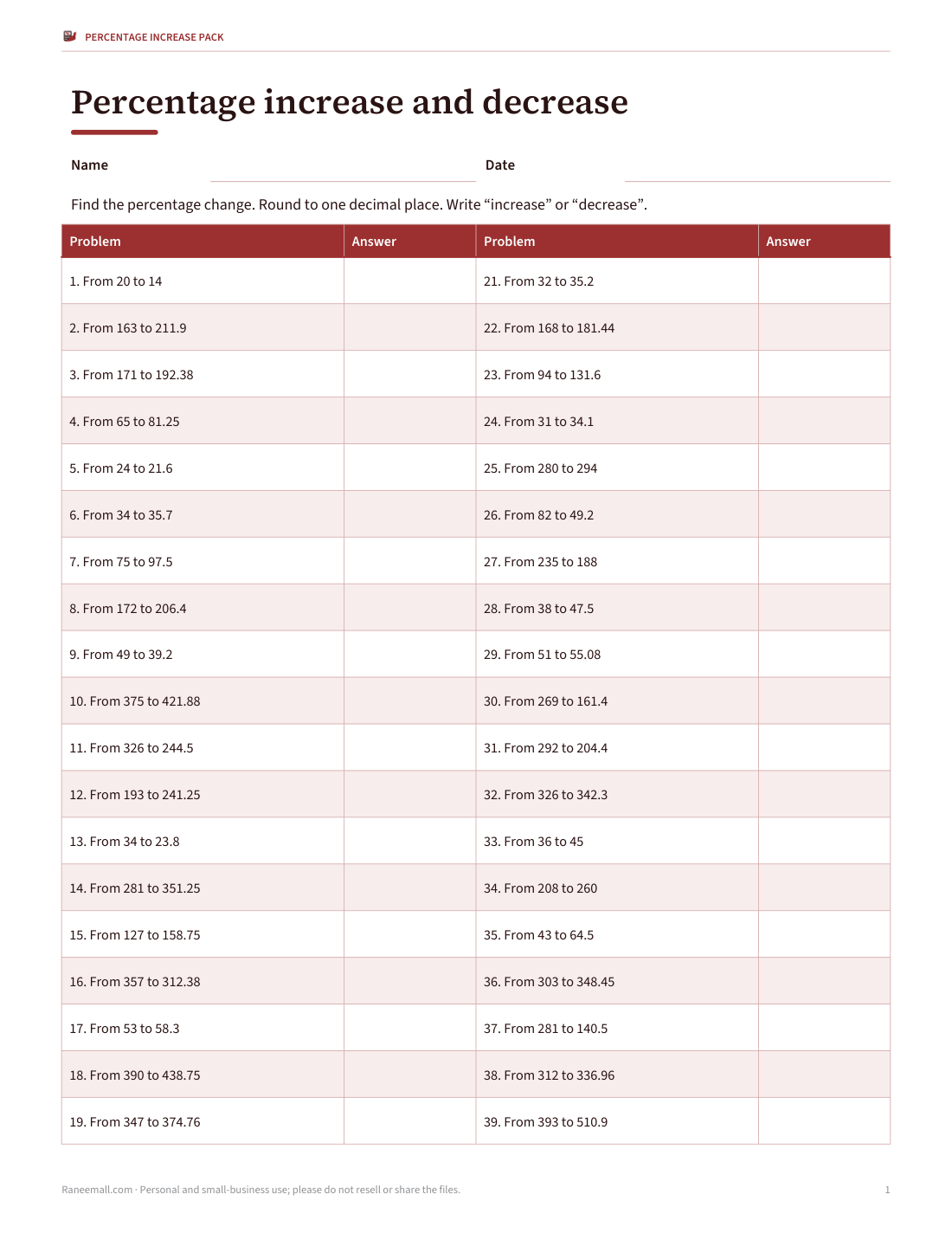
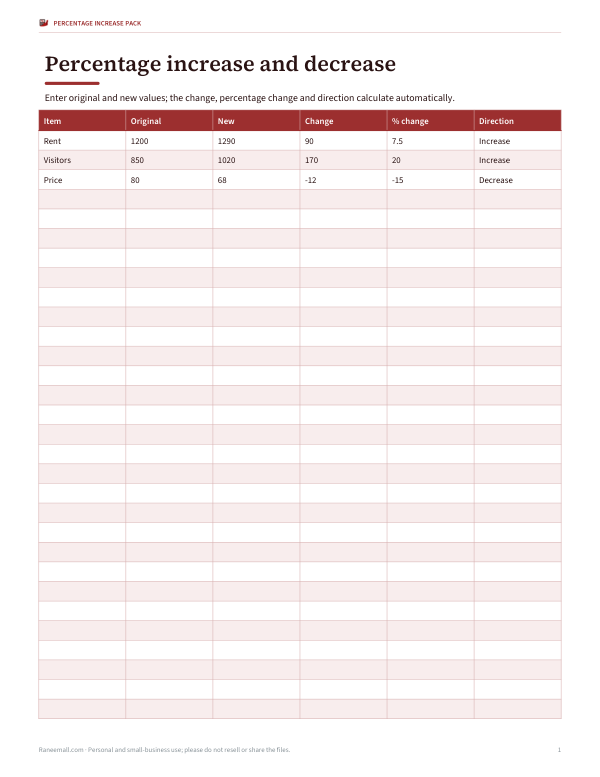 Percentage Change Calculator Sheet
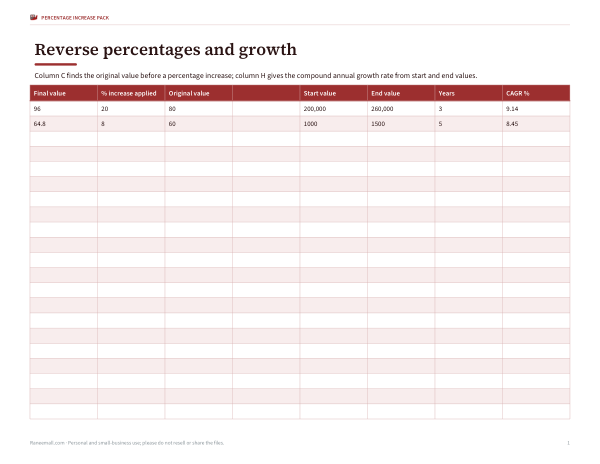 Reverse Percentage Increase and CAGR Sheet
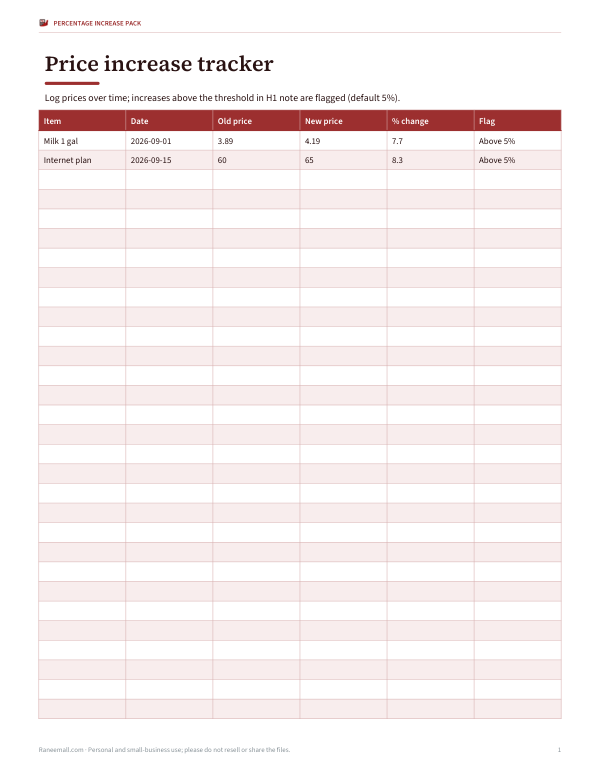 Printable Price Increase Tracker
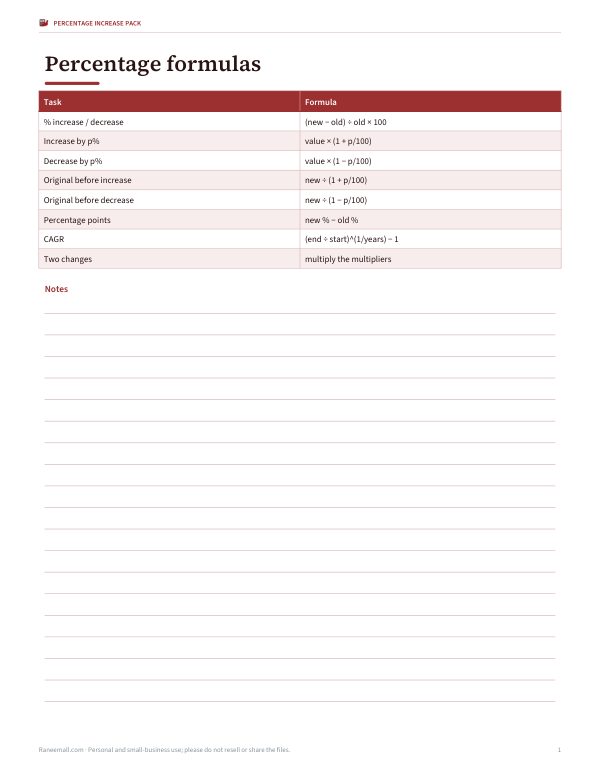 Printable Percentage Increase Formula Sheet
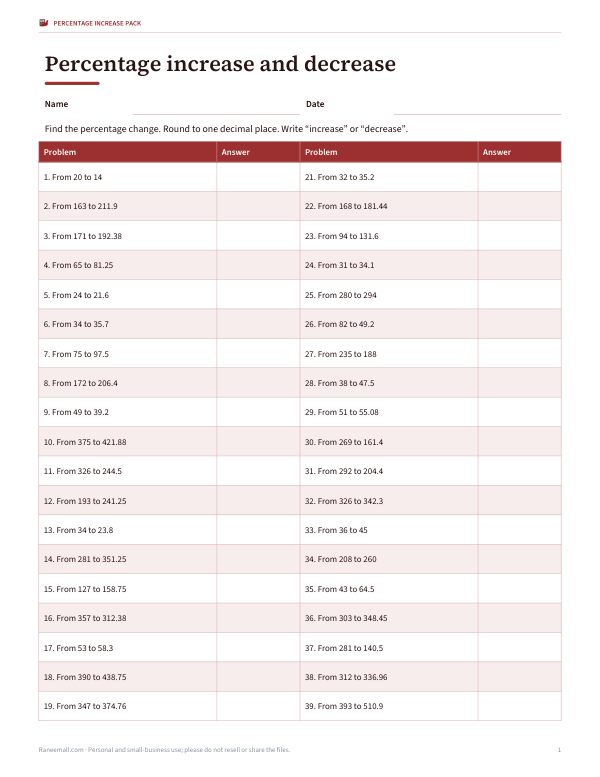 Printable Percentage Change Worksheets
The formula
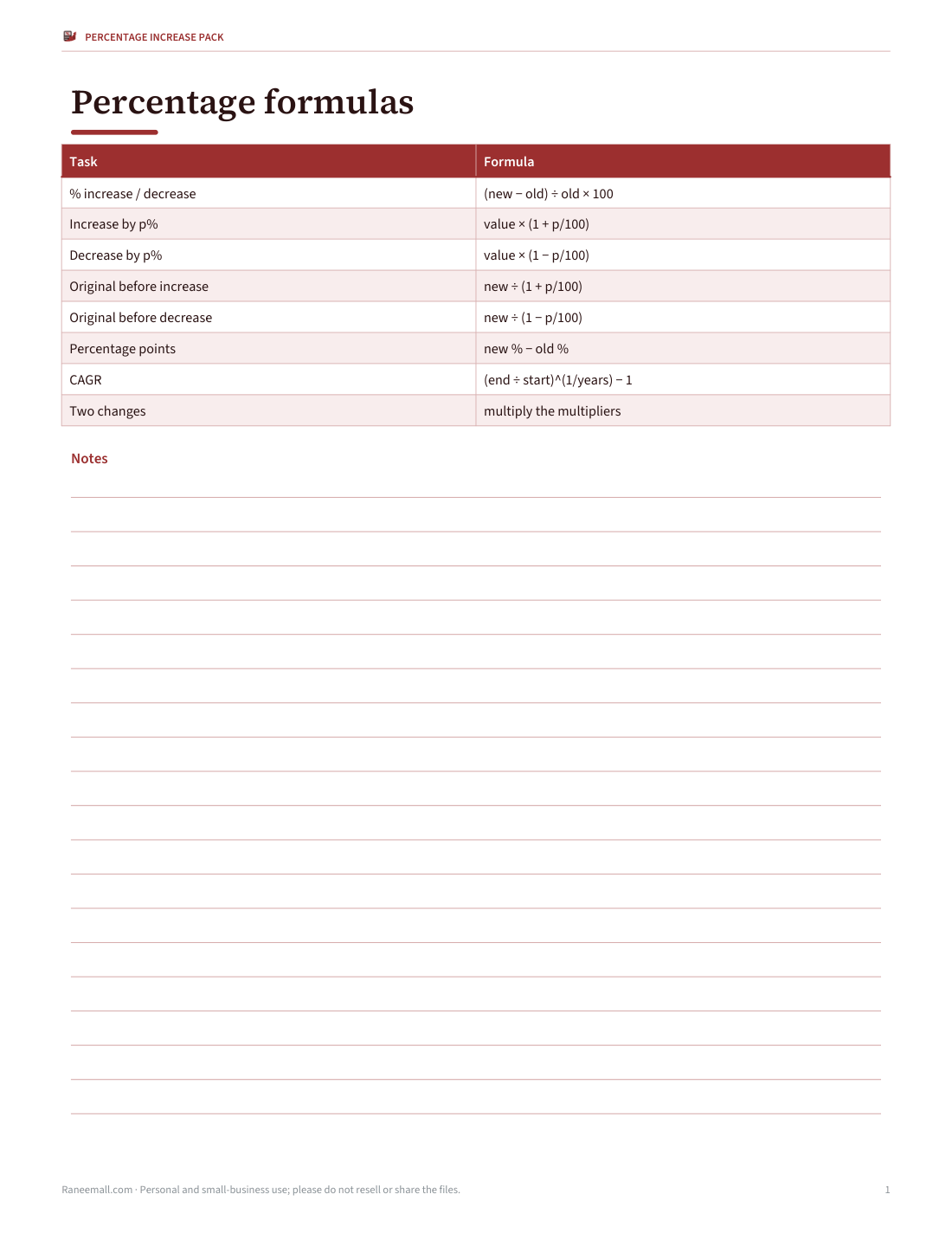
Percentage increase = (new value − original value) ÷ original value × 100. The key is always dividing by the original (starting) value. If the result is negative, it is a percentage decrease. For example, a price that rises from $40 to $50 has increased by (50 − 40) ÷ 40 × 100 = 25%.
Worked examples
| Situation | Calculation | Answer |
|---|---|---|
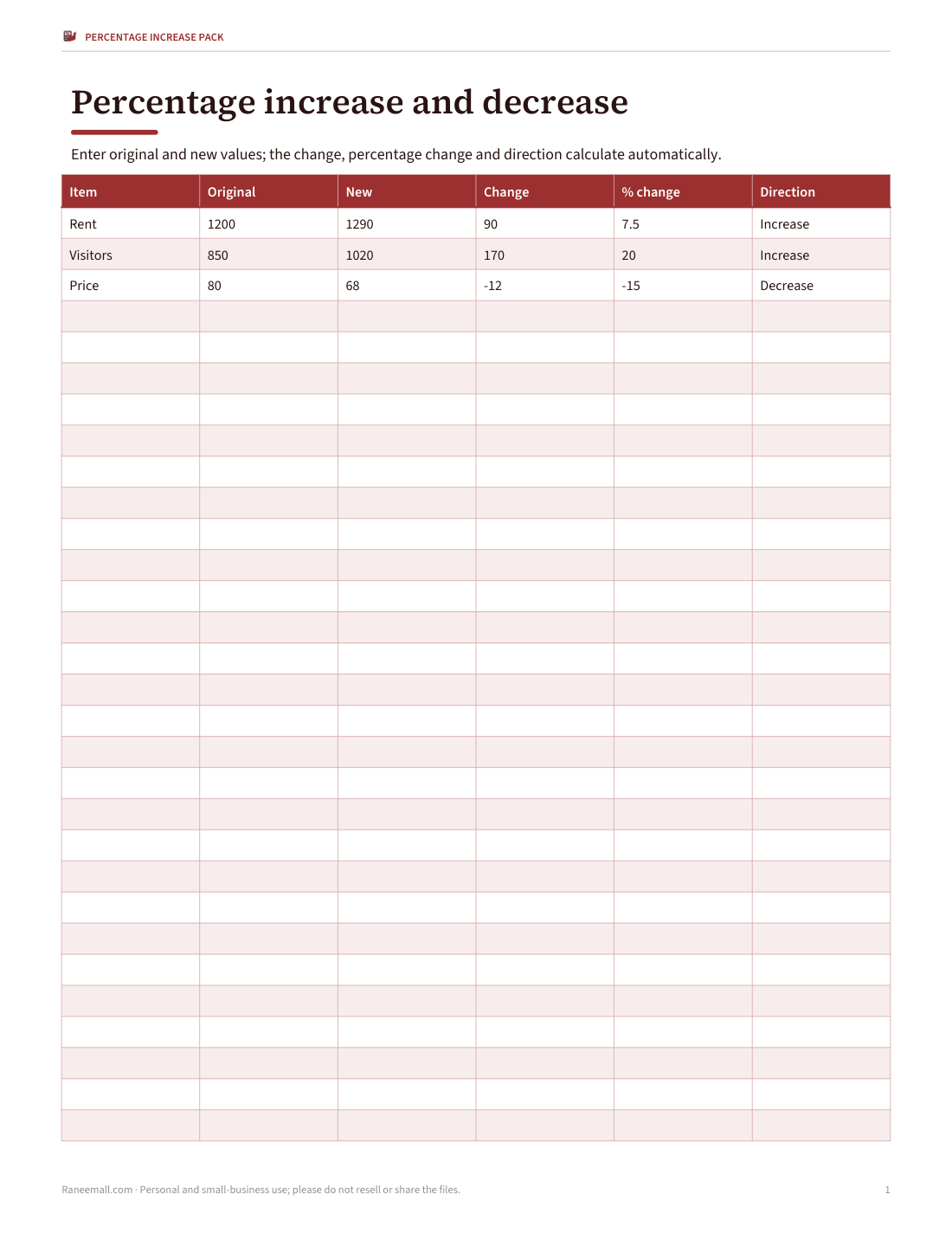
| Rent rises from $1,200 to $1,290 | (1,290 − 1,200) ÷ 1,200 × 100 | 7.5% increase |
| Visitors rise from 850 to 1,020 | (1,020 − 850) ÷ 850 × 100 | 20% increase |
| Salary from $52,000 to $54,600 | 2,600 ÷ 52,000 × 100 | 5% increase |
| Price falls from $80 to $68 | (68 − 80) ÷ 80 × 100 | −15% (a 15% decrease) |
| Population doubles from 2,000 to 4,000 | 2,000 ÷ 2,000 × 100 | 100% increase |
| From 0 to 50 | Division by zero | Undefined — say “from zero to 50” |
Increasing by a percentage
To increase a value by a percentage, multiply by (1 + percentage ÷ 100). A $60 item with 8% tax costs 60 × 1.08 = $64.80. To decrease, multiply by (1 − percentage ÷ 100): 25% off $60 is 60 × 0.75 = $45. These multipliers make repeated changes easy: a 10% rise followed by another 10% rise is 1.10 × 1.10 = 1.21, a 21% increase overall — not 20%.
Reverse percentages: finding the original
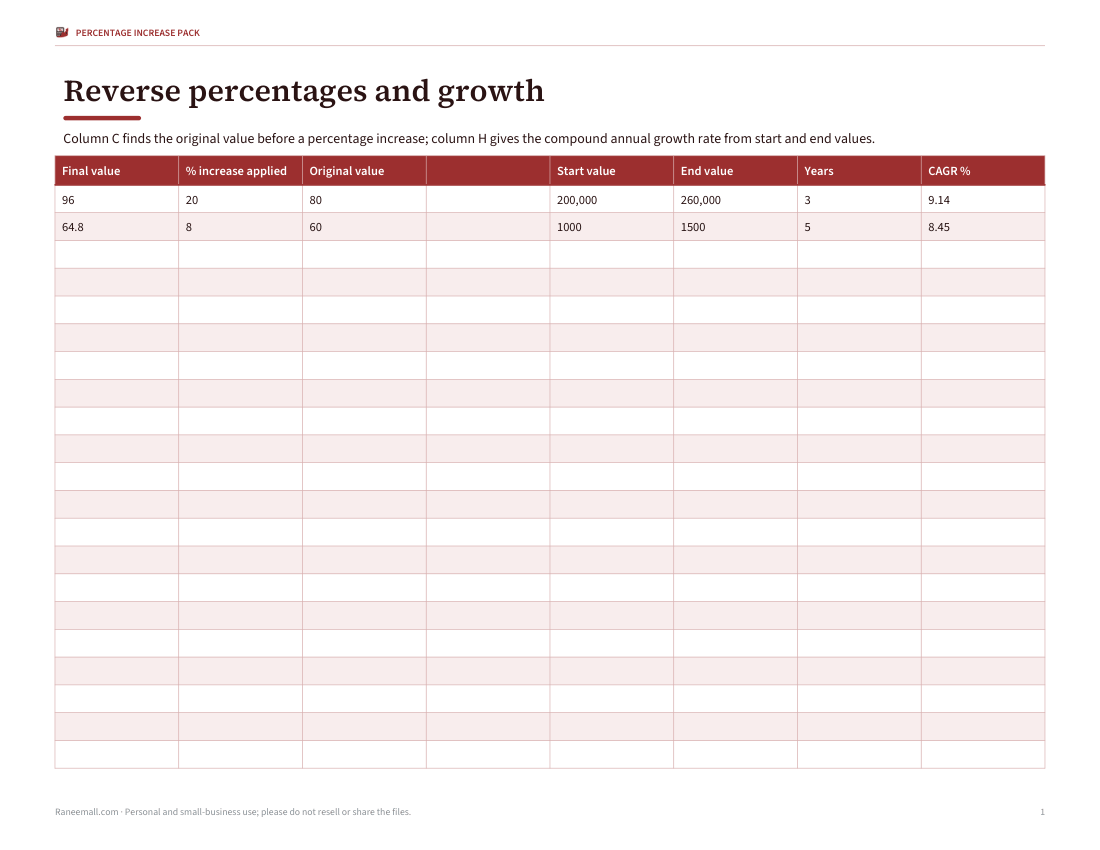
If a price after a 20% increase is $96, the original is 96 ÷ 1.20 = $80 — not 96 minus 20% of 96 ($76.80). Dividing by the multiplier undoes it. The same trap appears with sales tax, VAT and discounts: to remove 20% VAT from a £120 price, divide by 1.2 to get £100.
Percentage increase vs percentage points
When the values are themselves percentages, the difference can be described two ways. An interest rate moving from 4% to 5% rose by 1 percentage point, but by 25% in relative terms ((5 − 4) ÷ 4 × 100). News reports and financial documents usually mean percentage points; say which one you mean to avoid confusion.
Increases and decreases are not symmetrical
| Change | Result | To get back needs |
|---|---|---|
| 100 → +50% | 150 | −33.3% |
| 100 → −50% | 50 | +100% |
| 100 → +25% | 125 | −20% |
| 100 → −20% | 80 | +25% |
Because each percentage is calculated on a different base, a fall followed by the same percentage rise does not return to the start: 100 falls 50% to 50, and a 50% rise only brings it to 75.
Average growth over several years
For growth over several periods, the compound annual growth rate (CAGR) is (end ÷ start)^(1 ÷ years) − 1. Sales that grew from $200,000 to $260,000 over three years grew 30% in total, but (260,000 ÷ 200,000)^(1/3) − 1 ≈ 9.1% a year — not 10% a year.
Excel and Google Sheets formulas
| Task | Formula (old in A2, new in B2) |
|---|---|
| Percentage increase | =(B2-A2)/A2 then format as % |
| Increase by a percent in C2 | =A2*(1+C2) |
| Decrease by a percent in C2 | =A2*(1-C2) |
| Original before increase | =B2/(1+C2) |
| CAGR over years in C2 | =(B2/A2)^(1/C2)-1 |
| Avoid divide-by-zero | =IF(A2=0,"n/a",(B2-A2)/A2) |
What’s in the pack
- Excel workbook with ready-made percentage increase, decrease, reverse percentage, percentage point and CAGR sheets
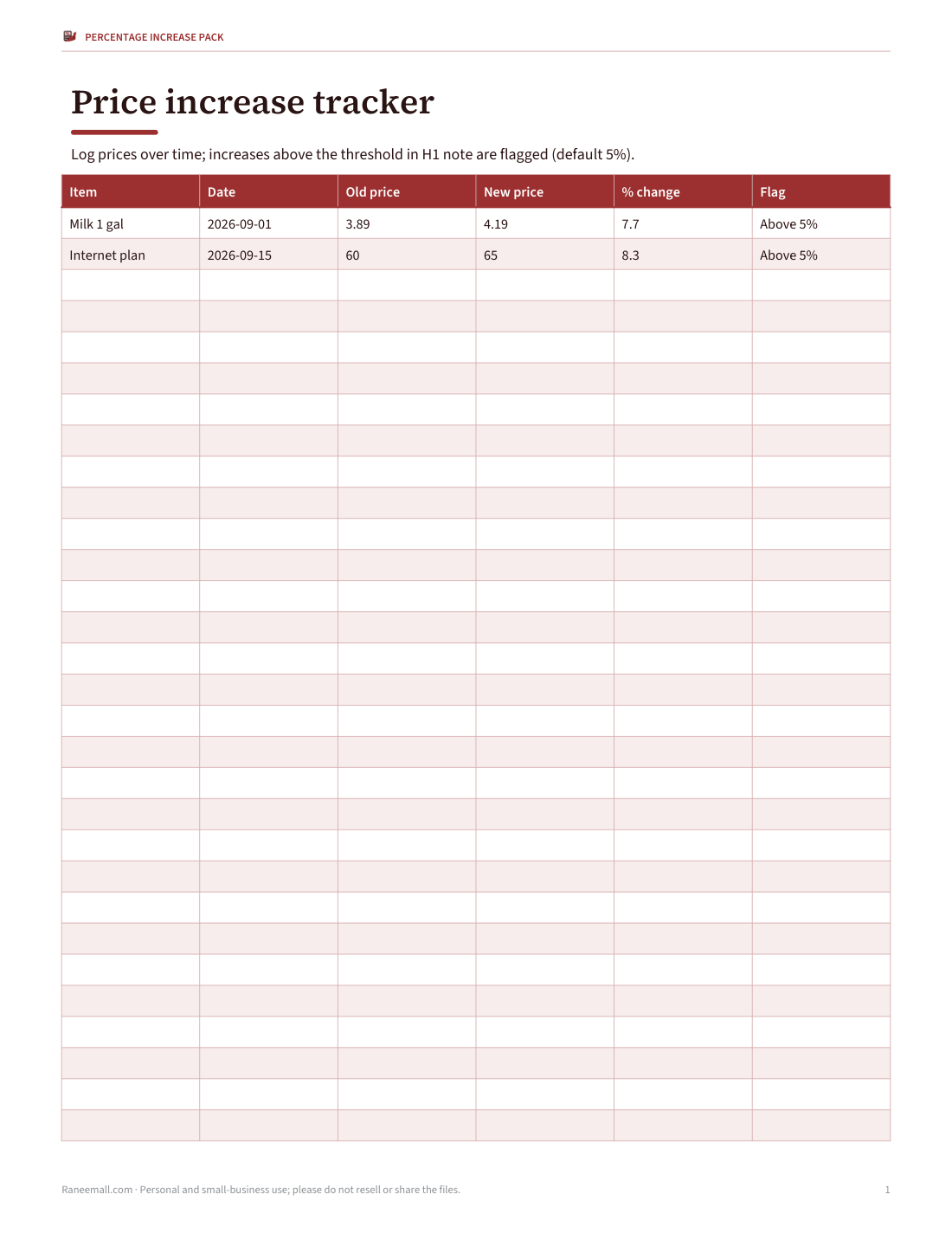
- A price increase tracker that flags increases above a threshold
- A one-page formula cheat sheet
- Four printable worksheets (40 questions) with answer keys
- A word-problem worksheet on discounts, tax and pay rises
All files print on US Letter and A4; spreadsheets open in Excel and Google Sheets.
Frequently asked questions
What is the formula for percentage increase?
(New − original) ÷ original × 100.
How do I calculate percentage increase in Excel?
=(B2-A2)/A2, then format the cell as a percentage.
How do I find the original number before a percentage increase?
Divide the new number by (1 + percentage ÷ 100).
Is a 50% increase then a 50% decrease the same?
No — you end 25% lower than you started.
What is the difference between percent and percentage points?
Percentage points are the simple difference between two percentages; percent change is relative.
Is this a subscription?
No, it is a one-time download.